Smart Routines
Automate tasks like summarizing emails, extracting to-dos, and routing the next action.
Doreon AI Productivity
Doreon turns your routines into intelligent workflows.
Features
Automate tasks like summarizing emails, extracting to-dos, and routing the next action.
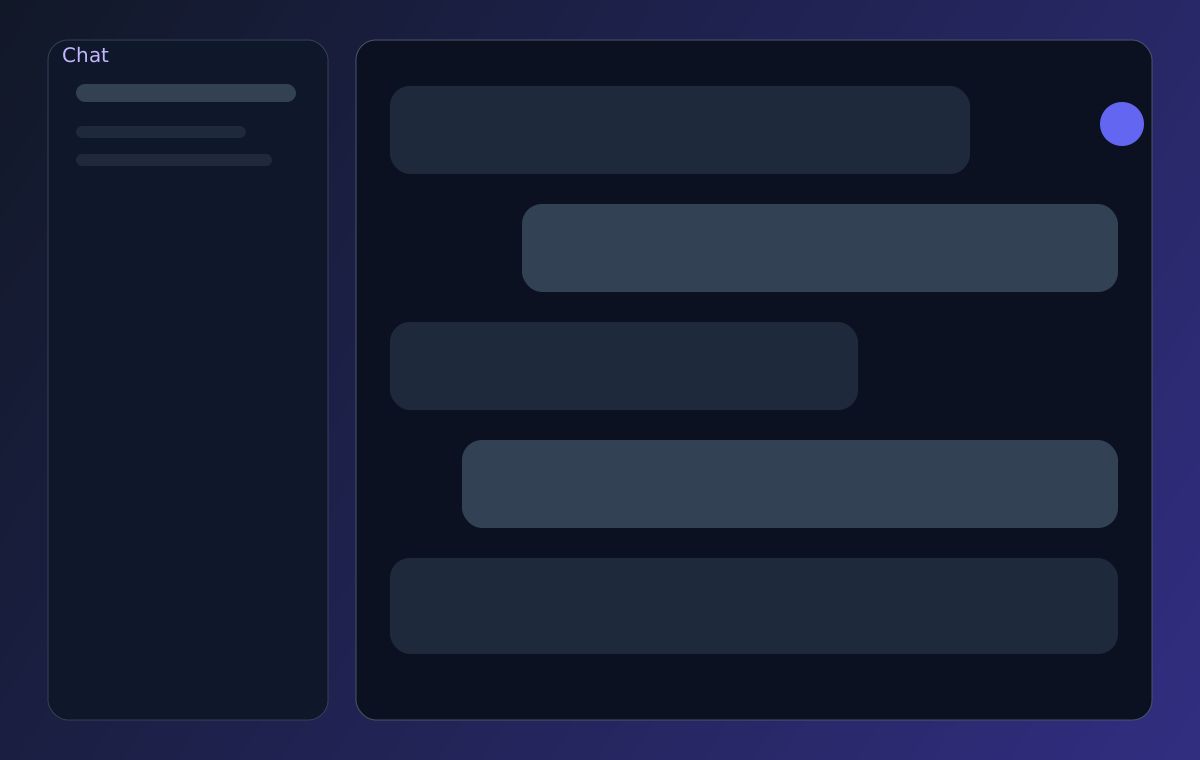
Give commands directly to your AI and trigger workflows without opening multiple tools.
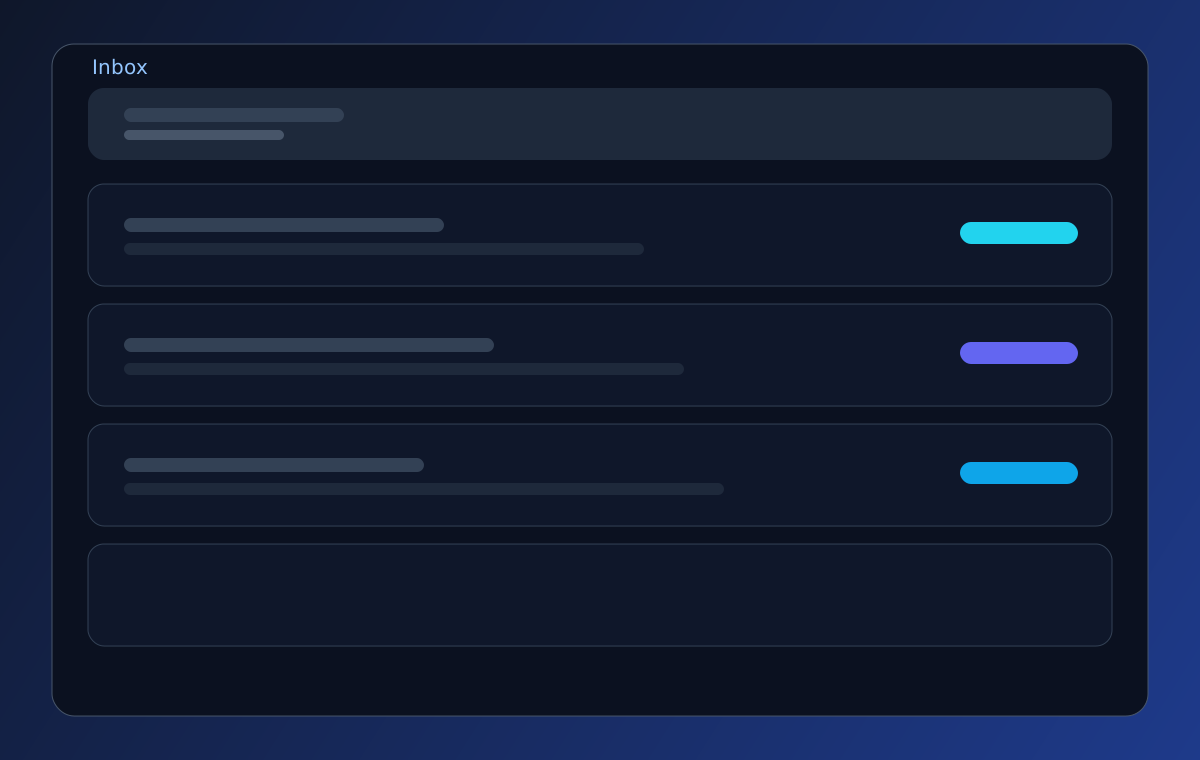
All results are organized and searchable so you can review outputs and act instantly.
OpenAI, Gemini, and Claude integrations keep your routines model-agnostic and future-ready.
Automatically process incoming emails and route important tasks directly to action queues.
How It Works
Step 1
Link Gmail and your core workspace apps so Doreon can ingest context.
Step 2
Define trigger-action logic in plain language with your AI assistant.
Step 3
Doreon runs routines continuously and delivers outcomes to an intelligent inbox.
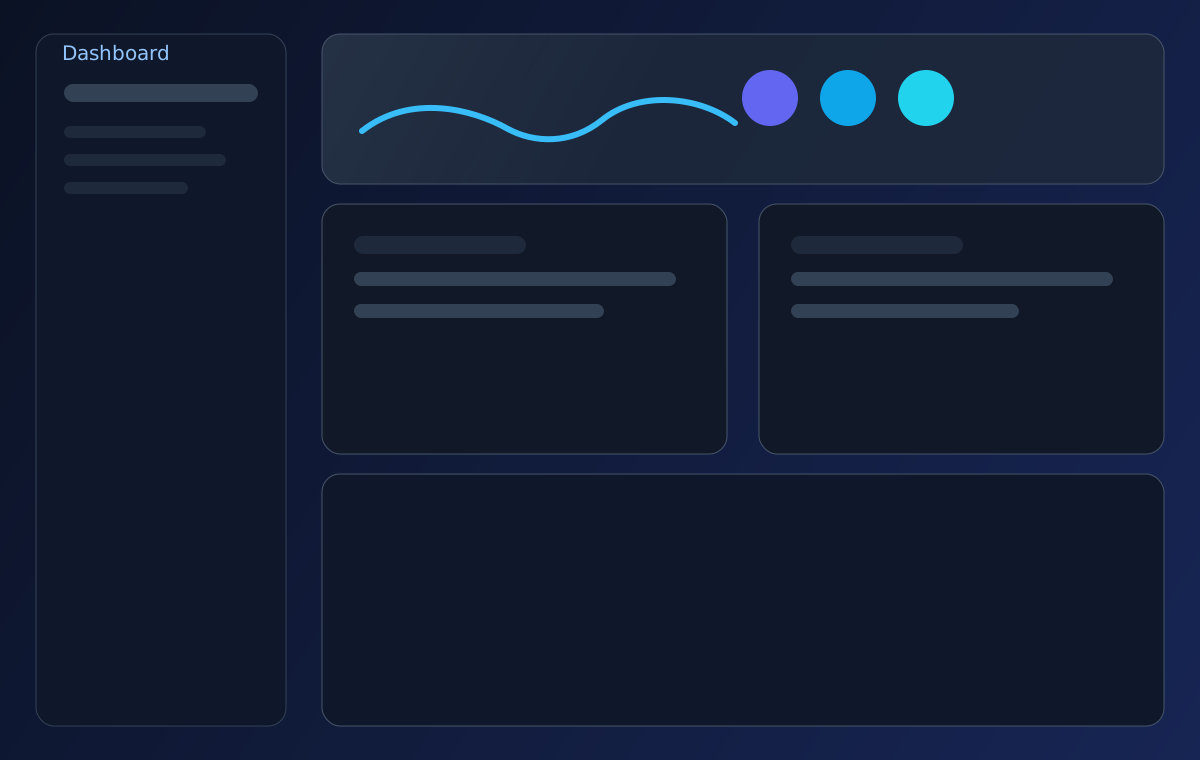
Product Preview
Download
Choose Windows, macOS, or Linux and download a setup script that installs and starts Doreon from the official repository.
PowerShell setup script for Windows 10/11.
Installs Node dependencies and runs Doreon desktop in development mode.
Download `.ps1`Shell script with Homebrew checks and one-command startup flow.
Download `.sh`Shell script for Ubuntu/Debian-based systems and most Linux dev environments.
Download `.sh`